

How we chose the best WordPress support services for SMBs
The right provider depends on more than who offers the longest feature list. We focused on five criteria that affect how useful a support service is once a business relies on its website for leads, sales, or day-to-day marketing.
- Response time and availability: A broken checkout, lead form, or homepage cannot always wait until the next business day. We looked at how providers handle urgent issues and ongoing monitoring.
- Scope of maintenance services: Updates, backups, security monitoring, uptime monitoring, and performance work form the technical baseline. We also looked at what happens when a business needs something beyond routine maintenance.
- Ongoing website help: Many SMB marketing teams need landing pages, content updates, design changes, bug fixes, or development work — not just plugin updates.
- Scalability: Businesses with several websites, locations, brands, or more complex WordPress environments need a provider that can grow with them.
- Value for SMB teams: Enterprise-level support can be useful, but only when the cost and service model make sense for the business using it. Clear pricing and understandable support processes matter.
The 7 best WordPress support and maintenance services for SMBs
1. Pronto Marketing: Pronto Marketing: Best overall for SMBs that want an outsourced website team
If your business wants one team responsible for WordPress hosting, maintenance, troubleshooting, and ongoing website changes, Pronto Marketing takes a broader approach than a maintenance-only provider.
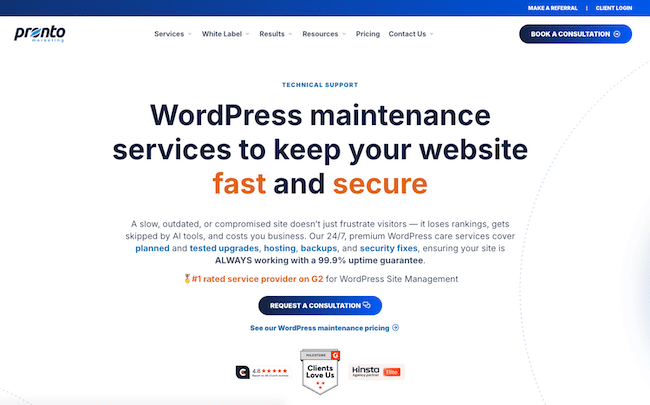
Our entry-level Technical Support plan covers the essentials, including managed WordPress hosting, maintenance, security optimization, plugin and WordPress updates, daily backups, 24/7 uptime monitoring, and emergency support. This makes it suitable for businesses that mainly want to hand off the technical upkeep of their website.
Website Support expands that model beyond maintenance. It adds designers, developers, and copywriters, along with unlimited website edits, unlimited website projects, and custom page design and builds. That makes the plan particularly relevant to small marketing teams that regularly need landing pages, new service pages, content changes, or design updates but do not have a full in-house web team.
Dedicated Support adds a dedicated Site Manager, task board, scheduled work, custom workflows, calls, and proactive checks for companies that need a more structured website-management relationship.
Pronto also offers separate SEO and AI search services. That means businesses can keep website support and search work within the same broader team rather than coordinating between unrelated vendors.
Pronto Marketing features
- Managed hosting on Pronto’s Kinsta-powered environment
- 24/7 uptime monitoring and emergency coverage
- Daily cloud backups
- WordPress core and plugin maintenance
- Security optimization
- Free website migration
- Unlimited website edits on Website Support and Dedicated Support
- Unlimited website projects on Website Support and Dedicated Support
- Designers, developers, and copywriters on higher tiers
- Dedicated Site Manager on Dedicated Support
- Optional SEO and AI search services
Pronto Marketing pros
- Hosting, maintenance, troubleshooting, and website changes can be handled by one team
- Higher tiers support marketing work rather than only technical maintenance
- Unlimited edits and projects can be useful for active SMB websites
- Dedicated Support provides a named manager and more structured workflow
- Clear three-tier pricing
Pronto Marketing cons
- Businesses that only need very basic automated maintenance may not need the broader service model
- Technical Support and Website Support do not include on-demand phone support
- Some project work on websites not built by Pronto or using other setups may need separate scoping
Price: Technical Support is $99/month, Website Support is $299/month, and Dedicated Support is $799/month when paid monthly. Pronto’s main helpdesk and live-chat team operates 24/5, with weekend standby coverage for emergencies.
2. WP Buffs: Best for hands-off 24/7 WordPress care
WP Buffs is one of the clearest examples of a dedicated WordPress care-plan provider. Its service centers on keeping WordPress websites updated, backed up, secure, monitored, and available without requiring the owner to manage those tasks internally.
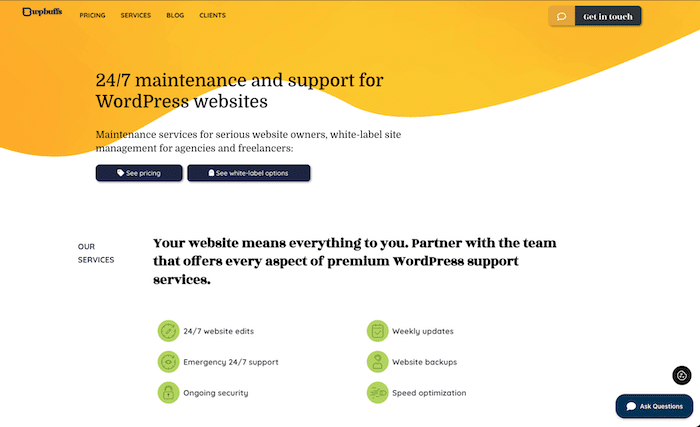
The entry-level Maintain plan includes weekly WordPress updates, 24/7 emergency support, uptime monitoring, and cloud backups four times per day.
The Protect plan adds 24/7 unlimited website edits and security optimization. Perform adds speed optimization, eCommerce plugin management, mobile and image optimization, and malware removal. Custom is designed for sites with custom code and adds staging-based updates and custom-functionality monitoring.
That structure makes WP Buffs a strong match for businesses that primarily want WordPress care rather than a wider marketing or website-management relationship.
WP Buffs features
- Weekly WordPress, theme, and plugin updates
- Four cloud backups per day on the entry plan
- 24/7 emergency support
- 24/7 uptime monitoring
- Weekly reports
- Unlimited website edits on Protect and higher
- Security optimization
- Speed optimization on Perform+
- Malware removal on Perform+
- White-label options for agencies
WP Buffs pros
- Straightforward maintenance-first positioning
- 24/7 emergency coverage
- Frequent backups
- Higher tiers add edits, security, and performance work
- White-label service available
WP Buffs cons
- Each plan covers one WordPress site
- Phone support is not offered
- eCommerce and membership functionality requires a higher tier
- Hosting is generally separate from the care plan
Price: Maintain starts at $89/month, Protect at $179/month, Perform at $239/month, and Custom at $359/month.
See our side-by-side Pronto vs. WP Buffs comparison
3. SiteCare: Best for growing B2B websites that need higher-touch support
SiteCare sits between basic WordPress maintenance and a more involved web-operations partner.
Its current positioning is particularly relevant to B2B marketing teams, publishers, founders, and businesses where the website directly contributes to leads or revenue.
SiteCare’s Gold plan includes its CoreSpeed hosting, staging-tested updates, uptime monitoring, backups, security protection, visual regression testing, a Rapid Response Team, and a limited number of content edits and quick fixes.
The higher-end Diamond plan adds a monthly development Flex Pack, strategy sessions, SEO and GEO monitoring, user-journey monitoring, accessibility monitoring, and after-hours urgent support.
That makes SiteCare more appropriate for businesses that want proactive website performance and technical oversight rather than simply outsourcing routine updates.
SiteCare features
- Managed hosting on applicable plans
- Staging-tested WordPress updates
- Visual regression testing
- Uptime and performance monitoring
- Security and malware protection
- Daily remote backups
- Content edits and quick fixes
- Development-hour options
- SEO/GEO monitoring on Diamond
- Strategy sessions on Diamond
SiteCare pros
- Explicitly designed around business-critical WordPress websites
- Strong emphasis on performance and testing
- Good fit for B2B marketing teams
- Combines maintenance with ongoing development options
- Higher plans include strategic and search-monitoring services
SiteCare cons
- Full-service tiers cost considerably more than entry-level maintenance providers
- The broader service may be unnecessary for simple brochure websites
- Some ongoing work is governed by edit allowances or Flex Pack hours rather than unlimited requests
Price: SiteCare says simple maintenance on an existing host starts with Silver at $95/month. Its Gold plan is $435/month, while Diamond is $2,190/month.
4. FixRunner: Best for flexible monthly support and one-time fixes
FixRunner is useful for businesses that want a traditional WordPress care plan but also value the ability to buy help for a single issue.
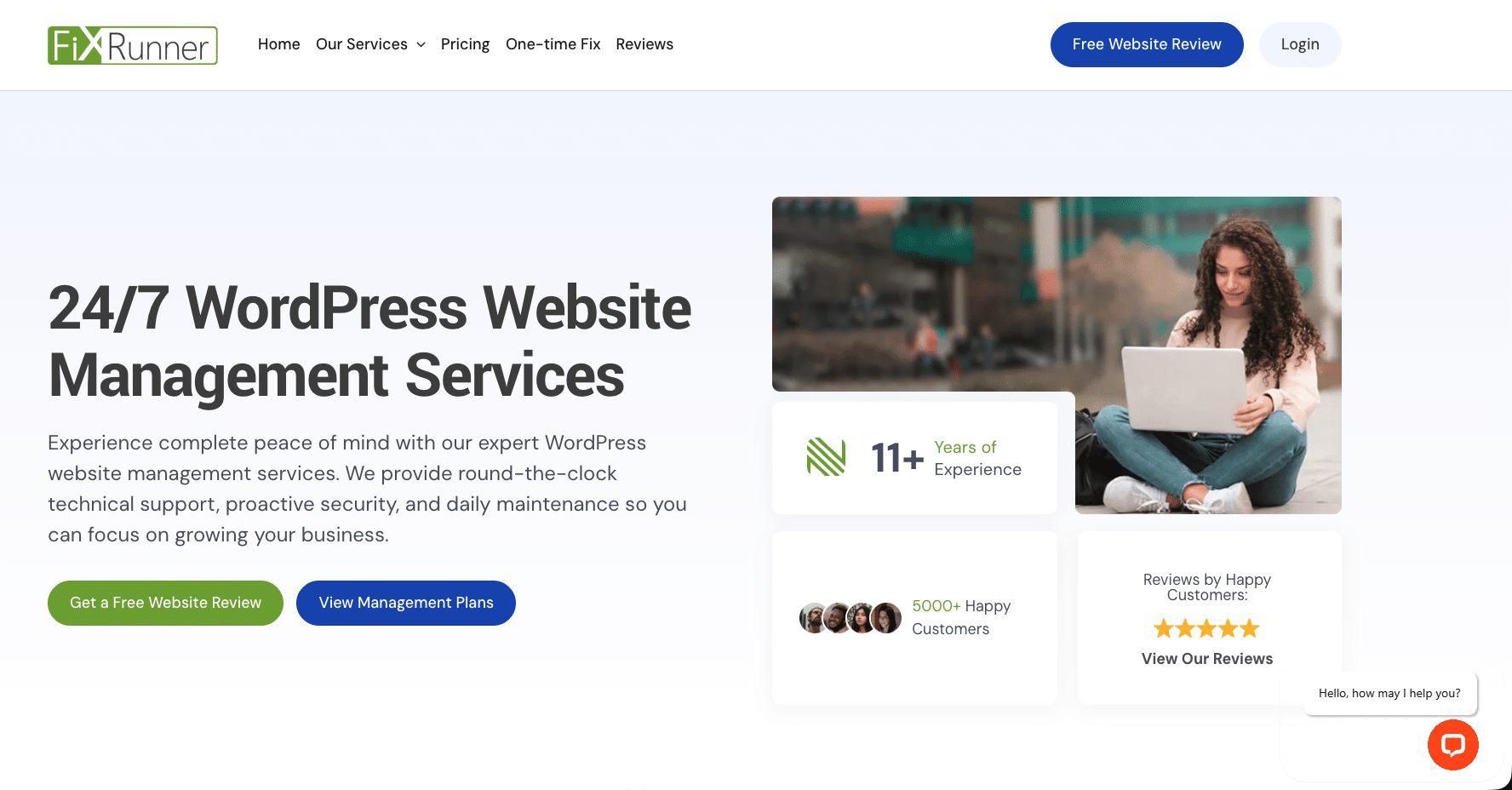
Its Premium plan includes 90 minutes of support each month alongside backups, speed optimization, WordPress updates, uptime monitoring, and security scans. Rocket increases the monthly support allowance and adds support for online stores, while Advance includes a dedicated account manager and phone support.
For businesses that do not need an ongoing subscription, FixRunner also sells a one-time WordPress fix for $49.
This makes it one of the more flexible providers in the group: a business can use it as an ongoing maintenance service or as a technical fallback when something specific breaks.
FixRunner features
- 24/7 WordPress support
- One-hour response guarantee
- Core, plugin, and theme updates
- Cloud backups
- Security scans
- Speed optimization
- Uptime monitoring
- Bi-weekly reports
- Optional hosting on some plans
- Dedicated account manager on Advance+
- $49 one-time support option
FixRunner pros
- Lower starting price than many full-service providers
- One-time fix option for businesses that do not want a subscription
- Clear monthly support-time allowances
- 24/7 email/chat support
- Phone support available on higher plans
FixRunner cons
- Core monthly plans have a three-month minimum commitment
- Support work is measured in minutes rather than offered as unlimited edits
- Businesses with frequent development requests may need a larger plan
Phone support requires a higher tier
Price: Premium starts at $69/month, Rocket at $99/month, and Advance at $169/month. One-time WordPress help is $49.
5. Seahawk Media: Best for affordable WordPress care
Seahawk Media offers both direct website-care plans and white-label WordPress maintenance for agencies.
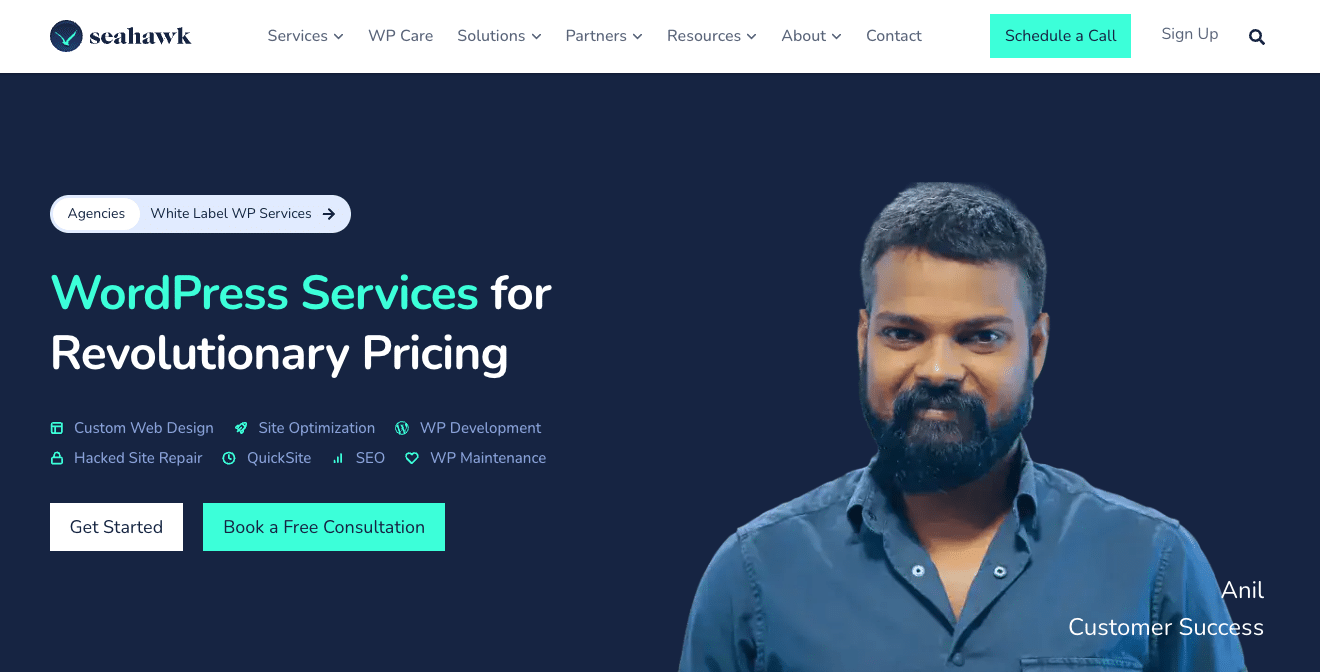
Its care plans cover the usual maintenance fundamentals: WordPress core, theme, and plugin updates, backups, uptime monitoring, malware scanning, security hardening, and performance reporting.
The lower-cost Essentials plan starts at $49 per month, which makes Seahawk accessible to smaller sites that mainly need maintenance. Higher tiers increase monitoring frequency and support priority.
Seahawk also has a substantial white-label offering. Agencies can use Seahawk to provide WordPress updates, backups, security, edits, and other support under their own branding.
That combination makes Seahawk useful both for SMBs that want an affordable care plan and agencies that need a support partner behind the scenes.
Seahawk Media features
- WordPress core, plugin, and theme updates
- Daily backups
- Uptime monitoring
- Malware scanning
- Security hardening
- Performance reporting
- Multiple care-plan tiers
- White-label agency plans
- Extra time blocks for larger tasks
Seahawk Media pros
- Low entry price
- Multiple service levels
- Dedicated white-label agency offering
- Covers the main maintenance fundamentals
- Businesses can purchase additional time for work outside the care-plan scope
Seahawk Media cons
- Standard care plans do not include major redesigns, new features, custom plugin development, copywriting, or full marketing operations
- Larger development requests require separate time blocks or quotes
- Support level and monitoring frequency vary by plan
Price: Website Care starts at $49/month. Seahawk also publishes higher care-plan tiers and separate white-label maintenance options.
6. GoWP: Best for Agencies That Need White-Label WordPress Maintenance & Development
GoWP has evolved into a per-site WordPress care platform that combines automated monitoring and maintenance with AI-assisted edits and optional human website changes.
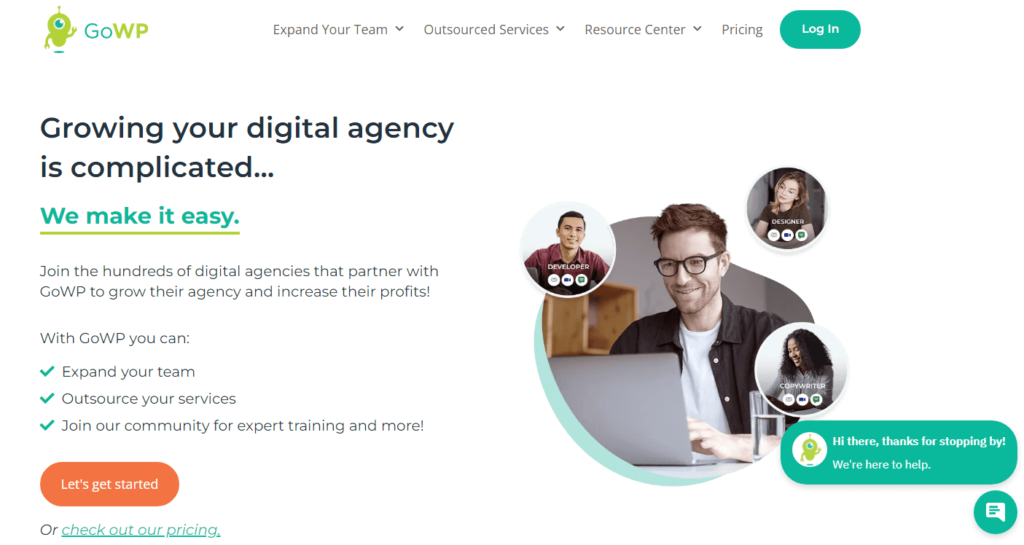
Its Pro plan handles ongoing maintenance such as updates with visual checks, daily backups, security scans, malware cleanup, uptime monitoring, helpdesk support, and client reports.
Business adds five human edits per month alongside a larger AI-edit allowance. GoWP defines a human edit as a relatively small website change that typically takes around 30 minutes or less, such as updating business hours, adding a team member, changing a banner, or publishing supplied content.
GoWP also offers a white-label add-on, making the platform especially relevant to agencies managing client sites.
GoWP features
- Automatic WordPress updates with visual checks
- Daily backups with 90-day history
- Daily security scans
- Malware cleanup
- Uptime and SSL monitoring
- Client reports
- Helpdesk support
- AI website edits
- Human edits on Business
- White-label agency option
GoWP pros
- Low per-site starting cost
- Designed around managing multiple websites
- Visual checking reduces the risk of update-related layout problems
- Business plan includes human website changes
- White-label option is priced separately at the agency level
GoWP cons
- Pro does not include human edits
- Business includes a defined number of human edits rather than unlimited edits
- Hosting is not bundled
- The service model is particularly agency-oriented rather than designed around a dedicated account manager for an individual SMB
Price: Pro costs $39 per site per month. Business costs $99 per site per month and adds five human edits monthly.
7. Multidots: Best for multisite and larger WordPress environments
Multidots is the most enterprise-oriented provider on this list, but it earns a place because some growing businesses operate multiple websites, regional sites, brand networks, or more technically demanding WordPress installations.
Its Managed Website Maintenance service includes monthly plugin and software updates, WordPress and PHP upgrades, hosting-provider coordination, monitoring, reporting, bug fixes, troubleshooting, content and design updates, and 50 hours of development support per year.
Multidots explicitly supports multisite and enterprise WordPress environments, making it a better match for complex organizations than for a typical single-site small business.
It also offers a separate managed-hosting service for organizations that want infrastructure and maintenance consolidated.
Multidots features
- Monthly WordPress and plugin updates
- WordPress and PHP upgrades
- 24/7 monitoring and alerts
- Hosting-provider coordination
- Monthly reporting
- Bug fixes and troubleshooting
- Minor content and design updates
- 50 hours of annual development support
- Multisite support
- Separate managed-hosting option
Multidots pros
- Designed for complex and multisite WordPress environments
- Development hours included with managed maintenance
- Strong fit for businesses that have outgrown simpler care plans
- Can coordinate with existing hosting providers
- Separate managed hosting is available when needed
Multidots cons
- Significantly more expensive than SMB-focused maintenance providers
- Likely excessive for a simple single-site business
- Managed hosting is priced separately
- Best suited to mid-market or enterprise complexity
Price: Managed Website Maintenance starts at $12,000 per year. Managed Hosting starts at $1,000 per month.
What should SMBs look for when choosing WordPress support?
There is no single support model that fits every WordPress website. The right choice depends on what your team can already handle internally and what you actually want to outsource.
Do you need maintenance, or ongoing website support?
If your main concern is keeping WordPress updated, backed up, monitored, and secure, a traditional maintenance plan may be enough.
If your marketing team regularly needs new pages, content changes, design work, bug fixes, or development, look beyond maintenance. A support plan that includes website changes can prevent your team from having to hire a freelancer every time something needs to be updated.
For a deeper explanation, see our guide to WordPress maintenance vs. WordPress support.
How often do you change your website?
A site that changes once every few months has very different needs from a website supporting active campaigns.
If your team frequently launches landing pages, publishes new services, changes layouts, updates team pages, or modifies lead-generation forms, pay close attention to how providers charge for website work.
Some use monthly support-hour allowances. Others limit the number of edits. Pronto’s Website Support and Dedicated Support plans use an unlimited website-edits and projects model.
Do you want hosting and support from the same company?
There are advantages to keeping hosting and maintenance separate, particularly if your company already has infrastructure it is happy with.
But consolidation can also simplify accountability.
If the website goes down, a business using separate hosts, developers, and maintenance providers may have to determine which company owns the problem before anyone starts fixing it. A bundled service gives one provider responsibility for more of the stack.
Is response time important?
“24/7 monitoring” and “24/7 human support” are not the same thing.
Check what actually happens after a monitoring system detects a problem. Is someone available to investigate? Is emergency coverage included? Is the normal helpdesk only staffed during business hours?
Also check normal response expectations for non-emergency requests.
Do you manage more than one website?
Businesses operating multiple brands, franchises, regional sites, or WordPress multisite networks should ask how pricing works as the number of sites increases.
Some providers charge separately for every site. Others are built specifically for agency or multisite management.
Do you need website improvements, not just maintenance?
Keeping WordPress healthy is important, but maintenance alone does not improve an outdated service page or build a new campaign landing page.
If your website is actively used for sales and marketing, ask whether the provider can also handle:
- New pages
- Layout changes
- Conversion improvements
- Forms and integrations
- Copy updates
- Performance improvements
- Technical SEO
- Accessibility improvements
The distinction between maintaining a website and helping manage and improve it should influence which provider you choose.
How can non-technical founders get WordPress help without learning code?
You do not need to understand PHP, CSS, caching systems, or plugin compatibility to own a reliable WordPress website.
The point of outsourcing support is to give responsibility for those technical details to people who deal with them every day.
For non-technical business owners, look for a provider that can explain:
- What happened
- What was fixed
- Whether any further action is required
- How urgent an issue actually is
- What work is included in your plan
- When a request requires additional scope
A good support relationship should reduce the amount of technical information you personally need to manage, not create another system you have to learn.
FAQs about WordPress support services for SMBs
What does WordPress support typically include?
WordPress support commonly includes core, plugin, and theme updates, backups, security monitoring, uptime monitoring, troubleshooting, and help when something breaks.
Broader support plans may also include website edits, development, new pages, hosting, performance optimization, and dedicated account management.
What is the difference between WordPress maintenance and WordPress support?
WordPress maintenance focuses on keeping the existing website healthy: updates, backups, security, monitoring, and other routine technical work.
WordPress support can include maintenance but extends into troubleshooting and ongoing changes to the website, such as updating content, changing designs, or building new pages.
The exact distinction varies by provider, so compare the actual scope rather than relying only on the plan name.
How much does WordPress support cost?
For the providers in this guide, entry-level paid support and maintenance ranges from approximately $39 per site per month to $99 per month for SMB-oriented plans.
Higher-touch services that include hosting, development time, strategy, dedicated account management, or enterprise support can cost several hundred to several thousand dollars per month.
Price should therefore be compared alongside what the provider actually takes responsibility for.
What is the difference between managed WordPress hosting and WordPress support?
Managed WordPress hosting primarily deals with the infrastructure that keeps your WordPress site online, secure, and performant.
WordPress support deals with the application and website itself: updates, troubleshooting, maintenance, changes, and other hands-on work.
Some companies provide only one of these services. Others bundle both.
Do I need WordPress support if I rarely change my website?
Even a website that rarely changes still requires maintenance.
WordPress core, themes, and plugins receive security and compatibility updates. Websites also need backups, monitoring, and attention when a plugin fails, a form stops working, or a vulnerability appears.
You may not need a plan with frequent website edits, but routine maintenance still matters.
Should WordPress updates be automated?
Automation can reduce routine work, but automatically installing every update without testing can introduce compatibility problems.
For business-critical sites, consider whether the provider tests important updates, uses staging or visual regression checks, and has a process for restoring the website if something breaks.
How quickly should a WordPress support company respond?
Response expectations should depend on severity.
Website downtime, security incidents, and broken revenue-generating functionality should receive urgent attention. Ordinary content changes or non-critical development requests can reasonably follow a normal support queue.
When comparing providers, ask for both emergency response expectations and normal request turnaround times.
Can WordPress support help with SEO or AI search visibility?
Technical maintenance can indirectly support search performance by keeping a website fast, accessible, secure, and crawlable.
However, most maintenance providers do not provide full SEO or AI search strategy as part of a standard care plan.
If search visibility matters to your business, check whether the provider has search specialists internally or whether you will need a separate agency.
Which WordPress support service is right for your business?
Choose based on the work you actually need someone else to own.
If you mainly need updates, monitoring, backups, and security, a maintenance-focused provider such as WP Buffs, FixRunner, Seahawk, or GoWP may be enough.
If your website is a core marketing asset and your team also needs ongoing edits, new pages, development, hosting, and coordination, a broader support model may make more sense.
And if you operate a complex multisite or enterprise WordPress environment, providers such as Multidots or SiteCare may justify their higher cost.
For businesses that want one team managing both the technical foundation and ongoing website work, explore Pronto Marketing’s WordPress support plans to compare Technical Support, Website Support, and Dedicated Support.