
Background
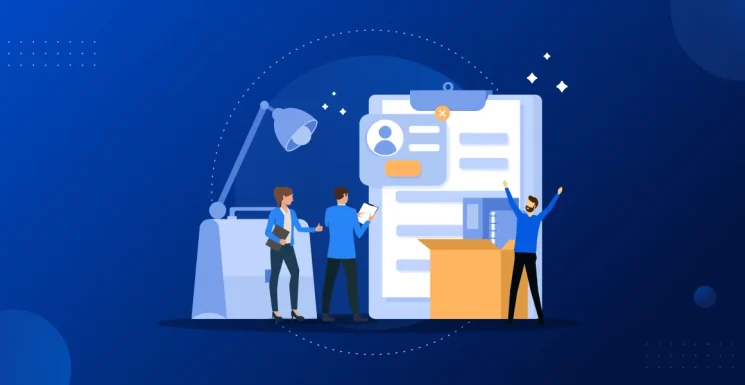
Family Services of America Corporation is an organization dedicated to supporting families through various care and service programs. As an organization that regularly brings on new staff to support its mission, the efficiency of their hiring and onboarding process is critical to their operations.
They faced a growing administrative burden: the manual management of employment contracts and hire forms. They needed a WordPress website support partner to transform a slow, manual document process into a seamless, automated digital workflow.
The Challenge: The “pdfFiller” Bottleneck
Prior to this project, the client’s onboarding process was entirely manual and disconnected from their website infrastructure.
- Manual Transmission: Administrators had to manually send PDF files to new hires via a third-party tool, pdfFiller, for signing and submission.
- Disjointed Workflow: The process was not integrated with their existing forms or database, leading to data silos and inefficient tracking.
- Time Loss: The friction in getting contracts signed and returned was causing significant delays in onboarding new staff and initiating necessary training.
The client’s goal was clear: Automate the hire forms for e-signature and eliminate the manual back-and-forth.
The Solution: Custom Gravity PDF Integration
Pronto’s Website Support team engineered a solution using Gravity Forms combined with a Custom Gravity PDF template. This approach allowed for data collection, legally binding e-signatures, and instant document generation in a single step.
Here is how the technical implementation unfolded:
1. Developing a Custom PHP Template
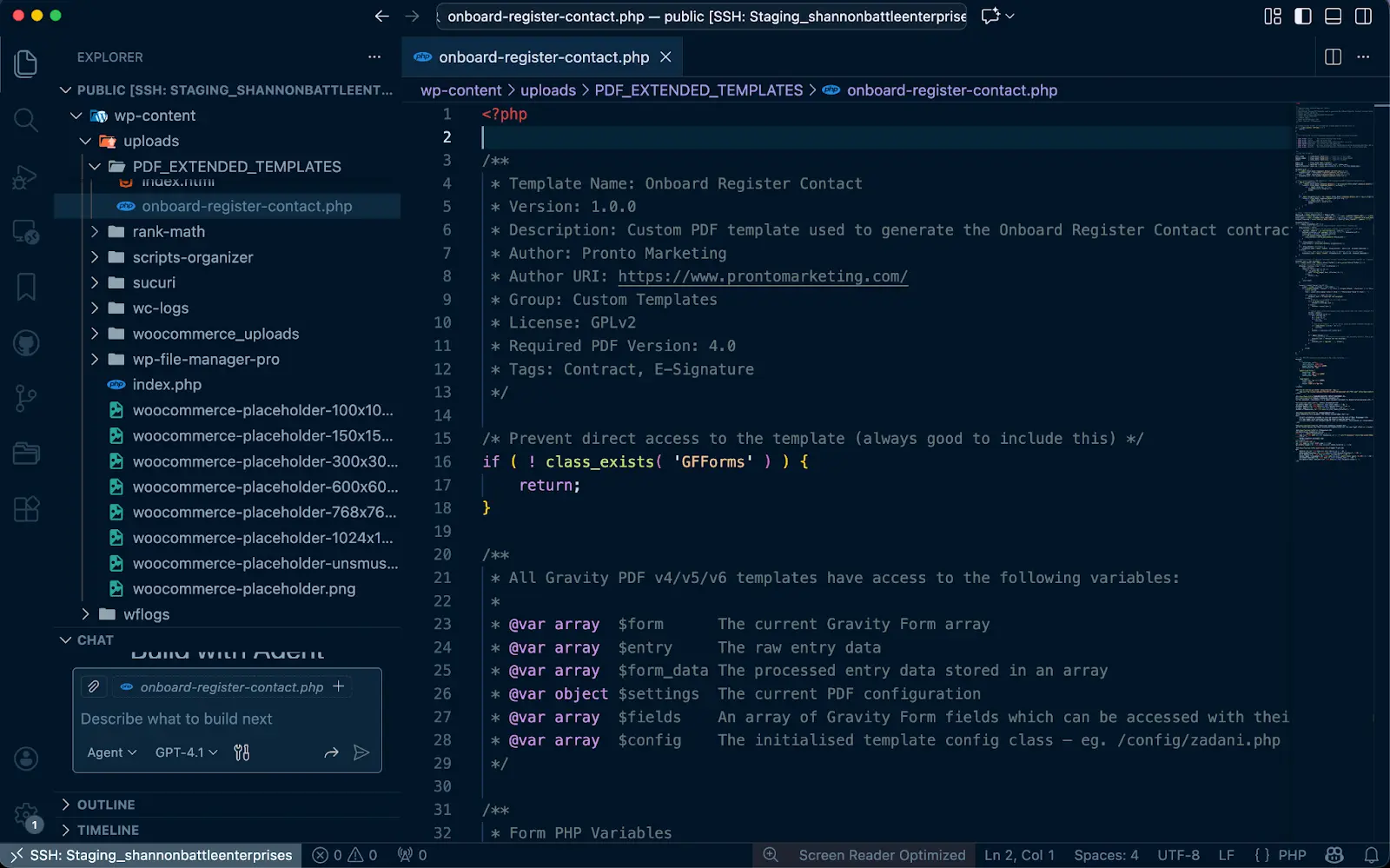
Standard PDF plugins often lack the formatting flexibility required for official contracts. To meet the client’s branding and legal layout requirements, the team built a custom PHP template stored in the PDF_EXTENDED_TEMPLATES directory.
This custom file, onboard-register-contact.php, utilized a specific file header to register itself automatically with the Gravity PDF engine, ensuring it was recognized as a “Contract” and “E-Signature” compatible template.
From Custom PHP Template development…
To a User-Friendly Frontend Form
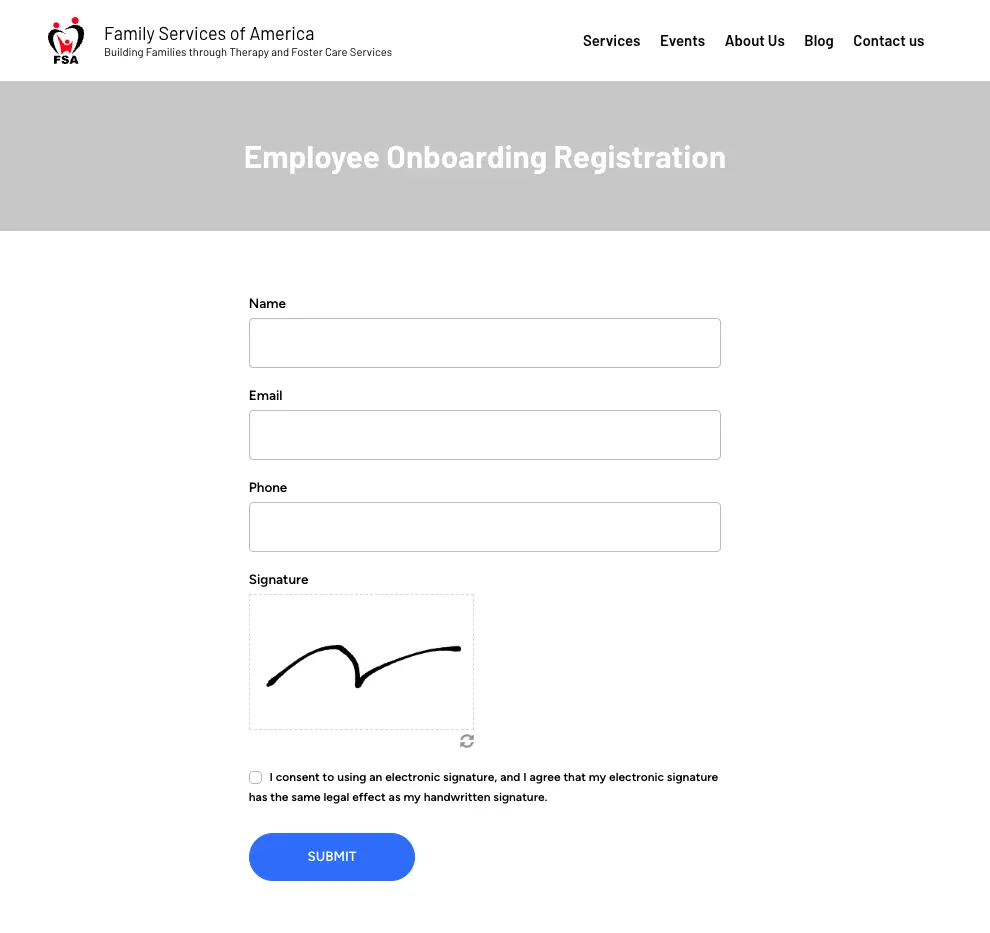
Important note: The above image is a simplified example for illustrative purposes only, not a recommended and legally binding approach.
2. Advanced E-Signature Logic
Capturing a signature on a form is simple, but rendering it reliably onto a PDF requires robust logic. The development team implemented a “fallback iteration” method to ensure signatures appeared correctly regardless of the specific add-on used.
The code checks multiple data arrays (e.g., signature_details_id, signature_details) to locate the signature URL or image data, ensuring the final document never displays a broken image icon even if field IDs change in the future.
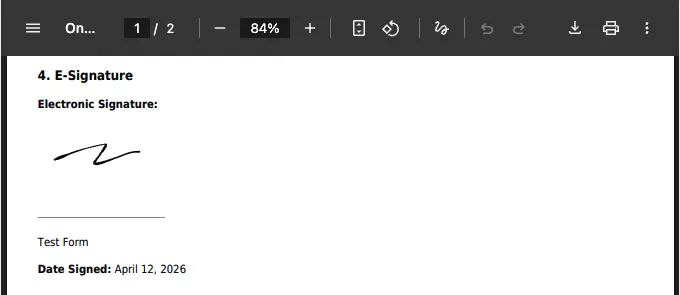
E-Signature Sample with Gravity PDF from a Test Submission
3. Building a Legal Audit Trail
For employment contracts, a simple signature is often not enough; a defensible audit trail is required. The team programmed the template to automatically capture and display compliance metadata at the bottom of every contract:
- Entry ID & Timestamp: To establish exactly when the document was executed.
- IP Address: To verify the signer’s location.
- Signature Hash (SHA-256): A cryptographic hash of the signature file was generated to ensure the integrity of the signed document.
This transformed a standard form entry into a compliant, professional legal document.

Audit Trail Sample from a Test Submission
4. Security Hardening
To protect the integrity of the contract generation system, the template includes a “Direct Access Prevention” block. This ensures that the file cannot be executed directly via a browser URL, running only when triggered securely by the Gravity Forms engine.
The Result:
The implementation of this automated workflow successfully replaced the manual “pdfFiller” process.
- Streamlined Process: New hires now fill out a secure web form, sign electronically, and the system automatically generates a fully customized, branded PDF contract.
- Instant Confirmation: Both the organization and the employee receive immediate email confirmations with the PDF attached, removing the need for administrative intervention.
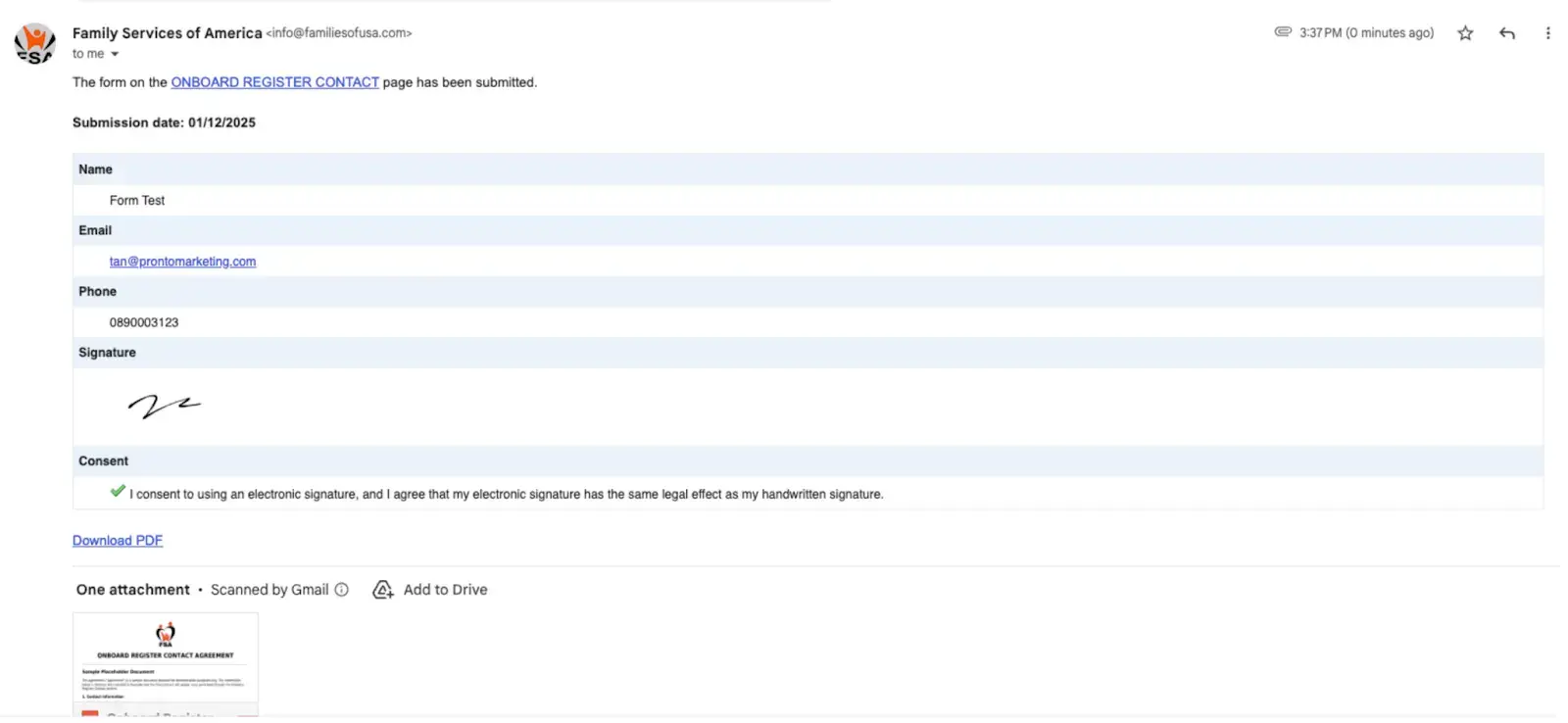
- Scalable Foundation: The client approved the demo immediately, requesting deployment to a staging environment for final testing and customization.
By moving from manual file handling to automated generation, Family Services of America has reclaimed valuable administrative hours, allowing them to focus on training their staff rather than managing their paperwork.